
Guides
4 min read
Free restaurant QR codes: 5 traps to avoid
Surprise expiry, ads shown to your guests, unreadable PDFs: the traps of “free” QR codes and how to choose a reliable free plan.
Read
No trial that ends after 7 days, no credit card: Qarteo’s free plan lets you put your menu online and print your QR code today, then grow only if you need to.
Why switch
Many free generators create a “dynamic” QR code that stops working after the trial. Your tables then show an error page.
Some free tools show ads, or even other restaurants, to your guests. Not very professional.
A QR code to a PDF is free… but guests have to zoom, and every change means starting over.
Features
Enough for a small menu, a snack bar, a food truck, or to test before you decide.
It never changes and never stops working, even if you rewrite your whole menu.
Across 5 categories, with photos, descriptions, prices and allergens.
Fast, readable, with no app for your guests to install.
Change prices and dishes as often as you need, in real time.
Guests can leave a rating and a comment after their meal.
More dishes, languages, online ordering or POS: switch plans in one click, without redoing anything.
How it works
An e-mail address is all you need. No credit card.
Type your dishes or import a photo of your current menu.
Choose its colours, add your logo and download it in high resolution.
On tables, at the counter, in the window or on your takeaway bags.
The guide
A static QR code contains the address itself: it works forever, but if the address changes you have to reprint it. A dynamic QR code goes through a middleman service that can redirect elsewhere… and can also cut access if you stop paying.
With Qarteo, the QR code points to your menu’s permanent address. You edit the menu, never the QR code: it stays valid even on the free plan.
A QR code scans better when it is large, high-contrast and comes with a call to action. Always test it with two or three different phones before printing in bulk.
The free plan works as long as your menu fits in 30 dishes and one language. Upgrade when you want an unlimited menu, several languages for tourists, premium themes or table ordering. Your data and QR codes stay the same.
Yes. The free plan has no time limit and asks for no credit card. It includes a permanent QR code and up to 30 dishes.
Yes. Your QR code stays valid as long as your menu is published, including on the free plan.
Yes, you can customise the QR code colours and add your logo before downloading it.
No, no ads are shown to your guests. A small Qarteo mention appears at the bottom of the menu on plans that don’t include branding removal.
The free plan includes up to 1,000 scans a month, which is enough for most small venues. Paid plans have no limit.
QR menu for restaurants
Create your restaurant’s QR code menu in 10 minutes: photos, translations, allergens and instant updates. Free plan, no credit card required.
DiscoverTable QR codes
One QR code per table for your restaurant: menu, table ordering, waiter call and reviews. Customise, print and track the scans of every table.
DiscoverQR menu for fast food
QR menu for fast food, snack bars and burger joints: build-your-own meals, extras, dine-in or takeaway ordering, kitchen display. Less waiting, more sales.
DiscoverDigital menu for restaurants
A digital menu for your restaurant: photos, translations, allergens, specials and real-time updates. Try Qarteo for free, with no commitment.
Discover
Surprise expiry, ads shown to your guests, unreadable PDFs: the traps of “free” QR codes and how to choose a reliable free plan.
Read

Free, monthly subscription, custom development: what a QR menu really costs in 2026, hidden costs and printing included.
Read
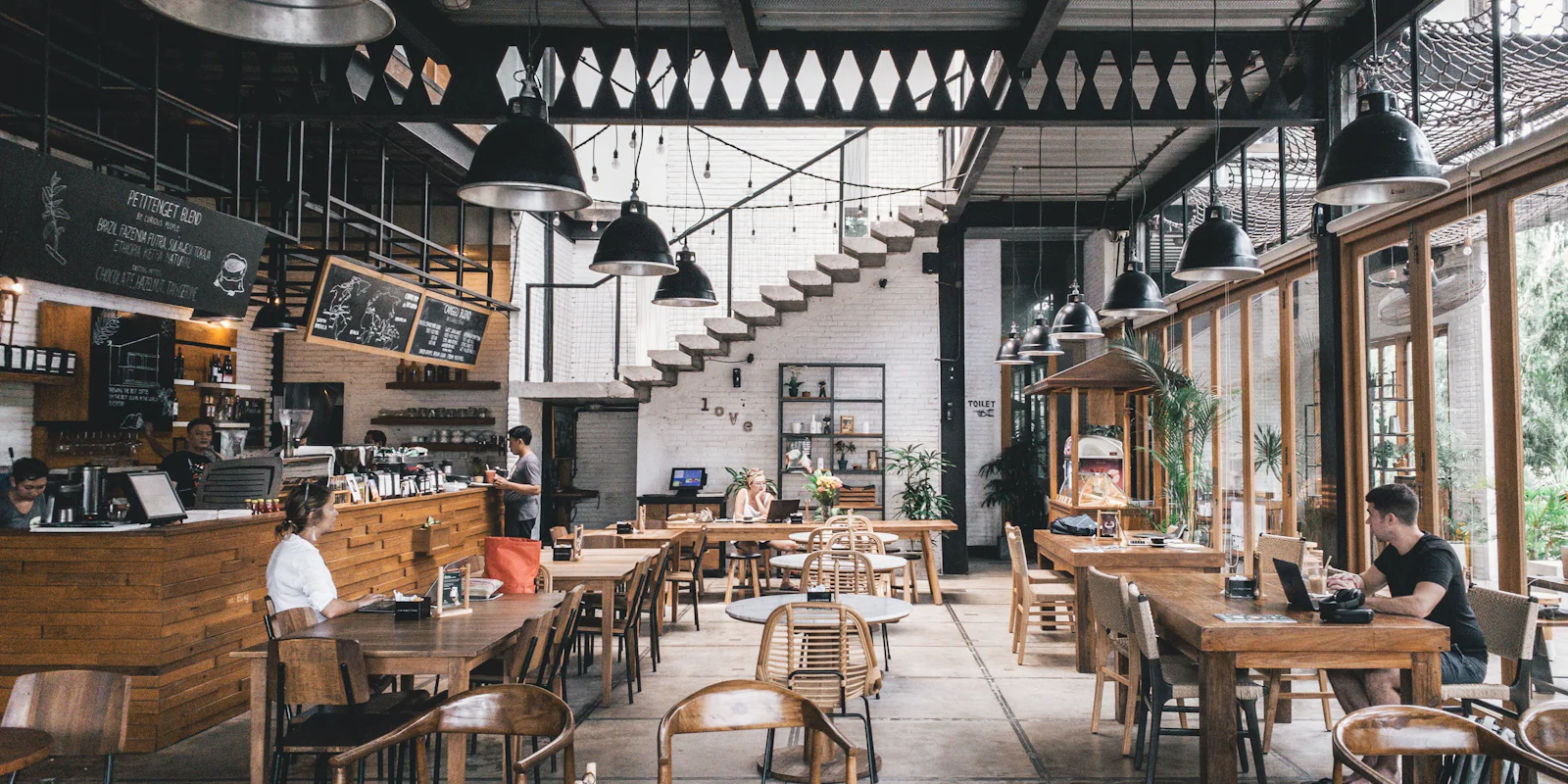
From the paper menu to QR codes on the tables: the 6 steps to create an effective QR menu, with no technical skills and no budget.
Read
No credit card, no commitment, no expiry date.
Free plan with no credit card · Paid plans with a 14-day trial
Need a hand?
Message sent
Essential
Session, security and language: required by the site.