Big chains made kiosks popular: large touch screens where guests build their meal without going through the counter. For an independent fast food restaurant, snack bar or kebab shop, the question comes up: should you invest in a self-order kiosk for your fast food restaurant, or is QR code ordering enough? Here is an honest comparison to decide based on your situation.
Kiosk or QR code: the comparison at a glance
| Criterion | Self-order kiosk | QR code ordering |
|---|---|---|
| Upfront investment | High (hardware + software) | Free to a few euros a month |
| Space needed | Floor space for each kiosk | None: the guest’s phone |
| Simultaneous orders | One per kiosk | Unlimited |
| Ordering from the table or the queue | No | Yes |
| Higher average spend | Yes, extras suggested | Yes, extras suggested |
| Guests without a smartphone | Suitable | Keep the counter |
| Maintenance and breakdowns | To plan for | No hardware to maintain |
| “Showcase” effect | Strong, very visible | More discreet |
What kiosks do very well
Kiosks have real strengths, and it is no accident that chains adopted them:
- They relieve the counter at peak times: the team prepares instead of taking orders.
- They sell more: the kiosk always offers the drink, the dessert, the upgrade to a large meal. No crew member does that with every guest.
- They reassure guests who want to take their time, build their burger or check allergens without pressure.
The limits of kiosks for an independent
The first obstacle is budget. A professional kiosk usually means several thousand euros to buy, or a monthly rental, plus the software, integration with the till and maintenance. You often need two to handle a rush.
The second is space: in a 30 m² snack bar, a kiosk takes the room of a table. Finally, a kiosk is still a queue: when three guests wait behind the one who can’t decide, the time saved disappears.
What QR code ordering changes
With a QR code, every phone becomes a kiosk. Guests scan as they come in, while queuing or once seated, and order at their own pace. The order goes straight to the kitchen with the chosen options. The result:
- No hardware investment: a QR menu for fast food is set up in an hour.
- No queue in front of a screen: ten guests can order at the same time.
- The same add-on sales: extras, meal deals and drinks suggested with every order.
- A menu that is always up to date: an out-of-stock item disappears everywhere in one click.
Tip: place a QR code at the start of the queue. Guests order while they wait and only need to collect their tray when their number is called.
Why not both?
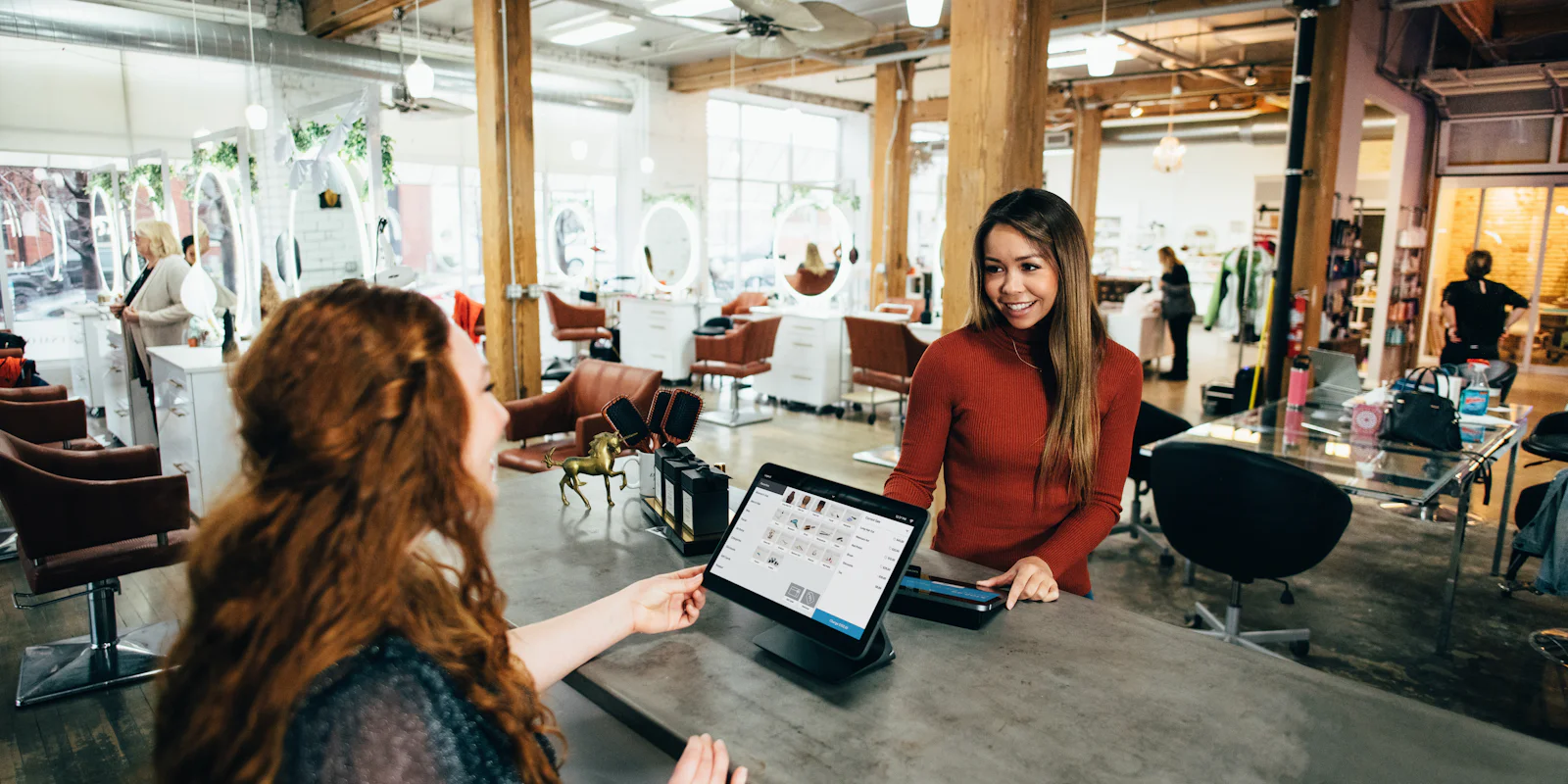
For many fast food restaurants, the best solution is hybrid: QR codes on the tables, in the window and along the queue, plus a simple tablet at the counter in kiosk mode for guests who prefer a screen. Some menu themes are designed precisely for this, with large tiles and an always-visible basket. All orders, QR, tablet or counter, arrive on the same kitchen screen and in the same POS.
How to choose for your venue
- Fewer than 100 orders a day, small premises: start with QR codes, no hesitation.
- High volume, family customers, plenty of space: a kiosk can make sense, alongside QR codes.
- A large share of takeaway: focus on online ordering and counter pickup, explained in our guide takeaway and delivery without commission.
Test before you invest
The wisest move is to test digital ordering without committing any budget. Create your Qarteo menu for free, put up a few QR codes and a tablet at the counter for a month, then look at the numbers: number of orders, average spend, waiting time. You will then know whether a physical kiosk would really add anything.
Frequently asked questions
How much does a self-order kiosk cost?
Expect several thousand euros per kiosk to buy, or a monthly rental, plus software and maintenance. QR code ordering uses the guest’s phone and needs no hardware.
Does a kiosk increase the average spend?
Yes, most chains see bigger baskets because the kiosk systematically offers extras and meal deals. A well-designed QR menu does the same on the guest’s phone.
Can you combine a kiosk and QR codes?
Yes: a tablet in kiosk mode at the counter and QR codes on the tables or in the window send orders to the same kitchen screen.