A restaurant digital menu isn’t just a paper menu put on a screen. Built well, it is a silent salesperson that steers choices, suggests the right extra and reminds guests about dessert, at every table, every service. Here are seven concrete techniques to raise your average spend without ever forcing the sale.
1. A photo for every star dish
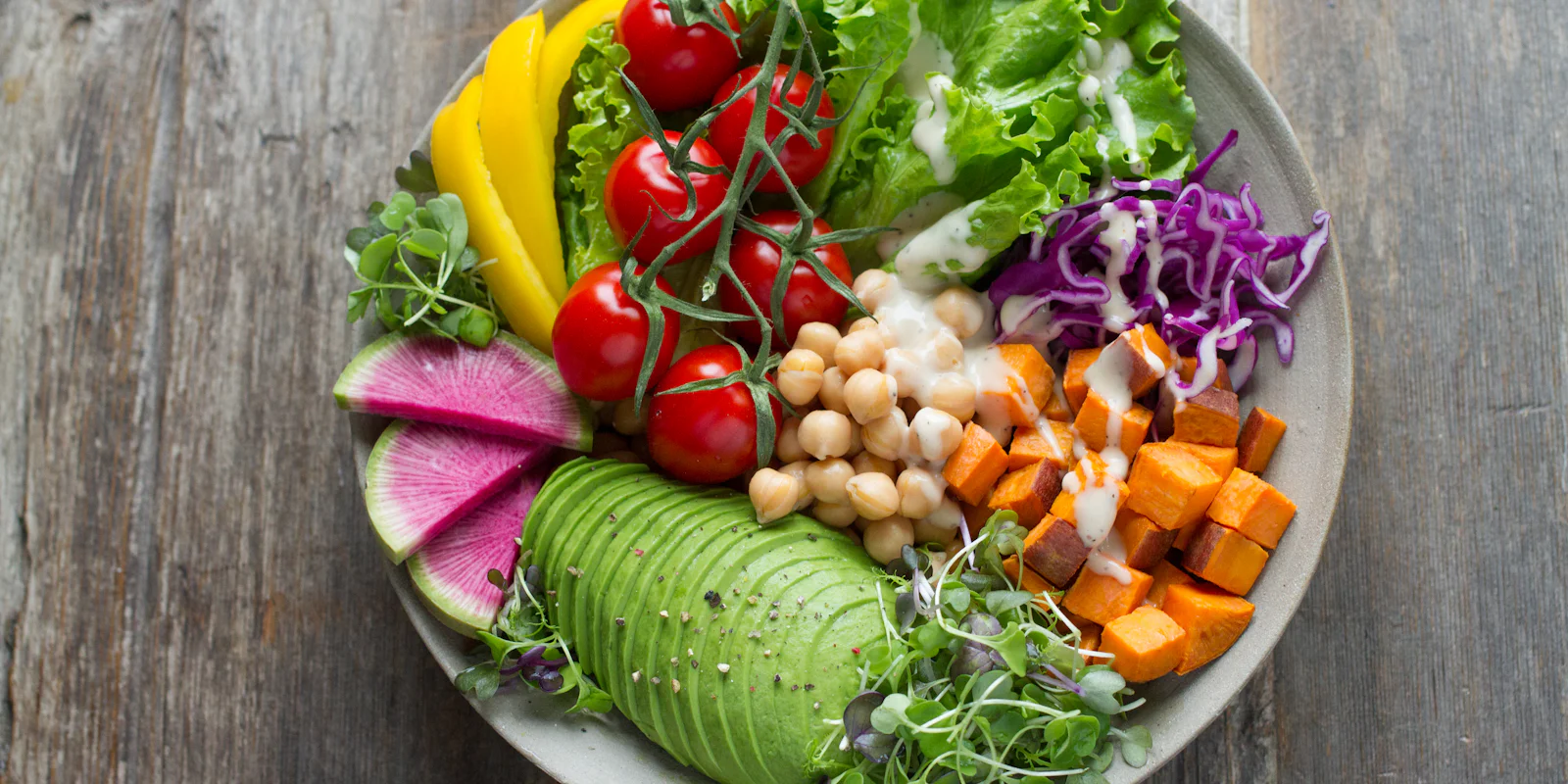
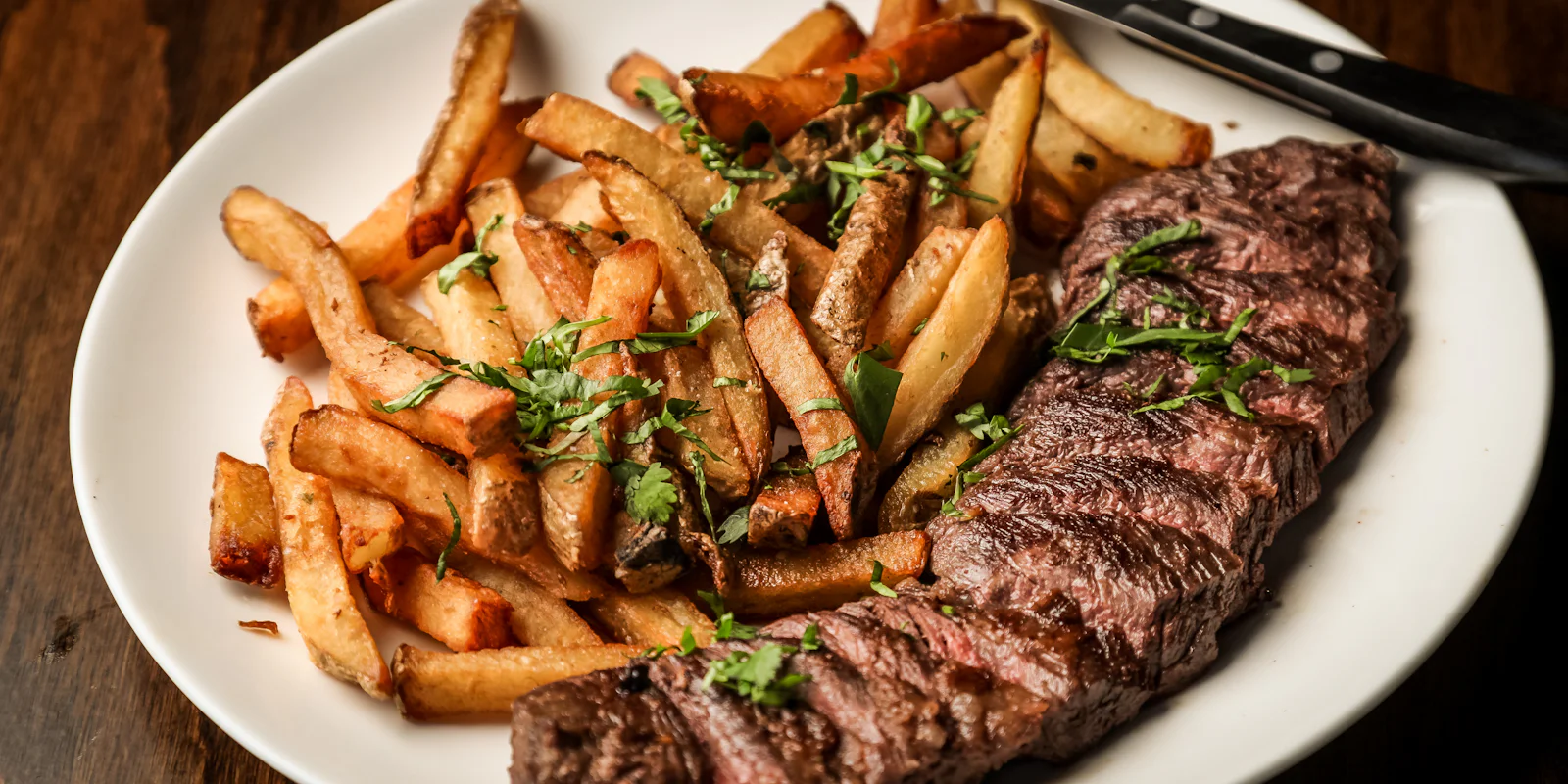
This is the digital menu’s most powerful lever. Faced with a list of names, guests choose what they know; faced with an appetising photo, they let themselves be tempted. Focus first on your signature dishes and your most profitable ones.
- Natural light, near a window, never flash.
- A well-plated dish, a neutral background, a slightly overhead angle.
- The same staging for every dish in a category.
Five beautiful photos are better than thirty mediocre ones. A bad photo sells less than no photo at all.
2. Put profitable dishes at the top of each category
On mobile, the eye lands first on the top items of each category. That’s the principle of menu engineering: put dishes that combine popularity and good margins at the top, and leave the less profitable ones you keep for consistency at the bottom of the list.
3. Badges, but not too many
“Chef’s signature”, “Popular”, “New”, “Homemade”: badges catch the eye and reassure. But if they’re everywhere, nothing stands out any more. Limit yourself to two or three badges per category, on the dishes you really want to sell.
4. Offer extras at the right moment
Double cheese, large fries, homemade sauce, an extra espresso shot… On a paper menu, extras are pushed to the bottom of the page. On a digital menu, they appear right inside the dish, at the moment the guest is choosing, with their price. The add-on rate rises naturally.
5. Feature set menus
A “main + dessert” deal or a “full meal” mechanically raises the basket, while giving guests the feeling of a good deal. Place your set menus at the top of the menu, with a photo, and state the saving clearly. In fast food, build-your-own meals (burger, side, drink) are a must.
6. Schedule offers by time of day
The digital menu adapts to the time of day: breakfast in the morning, lunch deal at noon, happy hour in the late afternoon. Scheduled promotions appear and disappear by themselves, with no chalkboard to rewrite and no forgetting at the till. For a bar, it’s the easiest way to fill quiet hours (see our bar QR menu page).
7. End with dessert and coffee
The last purchase happens at the end of the meal, when servers are least available. A well-illustrated “To finish” category, and the option to order from the table, turn many “let’s ask for the bill” into “let’s share a dessert”.
Measure to improve
The great advantage of digital: you know what’s happening. Compare the most viewed dishes with the best sellers:
- a dish viewed a lot but rarely ordered often has a price, photo or description problem;
- a dish rarely viewed but often ordered deserves a better spot;
- a dish neither viewed nor ordered can leave the menu.
Adjust one thing at a time, one week at a time, and watch the effect on the average spend.
Bonus: descriptions that make guests hungry
One cross-cutting technique strengthens all the others: polishing the descriptions. Compare “Burger, fries” with “Charolais beef burger, aged cheddar, caramelised onions, homemade fries”. The second sells better and justifies a higher price. A few rules:
- mention a product’s origin or quality when it’s real (“Charolais”, “seasonal”);
- use texture and taste words: crispy, melting, smoky, tangy;
- keep it short: one line is enough on mobile;
- ban empty superlatives like “delicious” or “excellent”.
What not to do
Raising the average spend must never come at the expense of guests’ trust. Avoid:
- hidden prices: an extra must always show its price;
- options ticked by default that add an amount the guest didn’t choose;
- fake promotions or struck-through prices that mean nothing;
- menus that are too long: more choice doesn’t sell more, it makes people hesitate.
A guest who feels well advised comes back; a guest who feels tricked leaves a review.
Put these techniques into practice
All these features are included in Qarteo: optimised photos, badges, extras, set menus, scheduled promotions and statistics on viewed dishes. Create your digital menu for free, or first read our guide to creating a QR menu for your restaurant.
Frequently asked questions
How many dishes should be featured per category?
Two or three at most. Beyond that, nothing stands out any more and guests no longer know where to look.
Does every dish need a photo?
Ideally the star dishes and the most profitable ones. A bad photo does more harm than no photo at all: better few but beautiful.
How can I tell which dishes are viewed?
A digital menu with statistics shows the most viewed dishes. Compare them with sales: a dish that is viewed a lot but rarely ordered often has a price or description problem.